
Name-Based Case Searches
iDocket's FAQ shows a free route. It finds a cause number from a litigant name. One result can surface the case number. It also shows the type, style, filing date, disposition date, disposition, court, location, parties, attorneys, and any bondsman. Paid subscribers get finer controls. They can filter by plaintiff or defendant, filing or disposition date, attorney, county, court, and exact or sounds-like name matching. Begin narrow. Then confirm every match on more than a shared name.
- Choose the district or county route before entering a name.
- Enter the last name, then add the first name when needed.
- Use court, case type, and date filters if the account makes them available.
- Compare case style, filing date, court, and parties before opening history.
- Record the cause number and verify important status with the clerk.
| Field | Type | Required | Use |
|---|---|---|---|
| Litigant name | Text | Search route | Free name-to-number lookup described by iDocket |
| Plaintiff / defendant | Advanced text | No | Subscriber role filters |
| Exact / sounds-like | Advanced option | No | Handles spelling variation |
| County / court | Filter | No | Separates Brewster District from Brewster County |
| Date | Range | No | Limits filing or disposition periods |
Brewster County iDocket Case History
The Brewster County District Clerk links to iDocket as the local service. A case history there can show motions, orders, citations, answers, actions, costs, payments, and ledger activity. Each line marks one event. Be careful reading it. "Filed" does not mean "granted." A setting does not prove a hearing ever happened, so read the entry date, the event label, and any later order together. The vendor's iDocket FAQ and case-history source explains free and paid access.
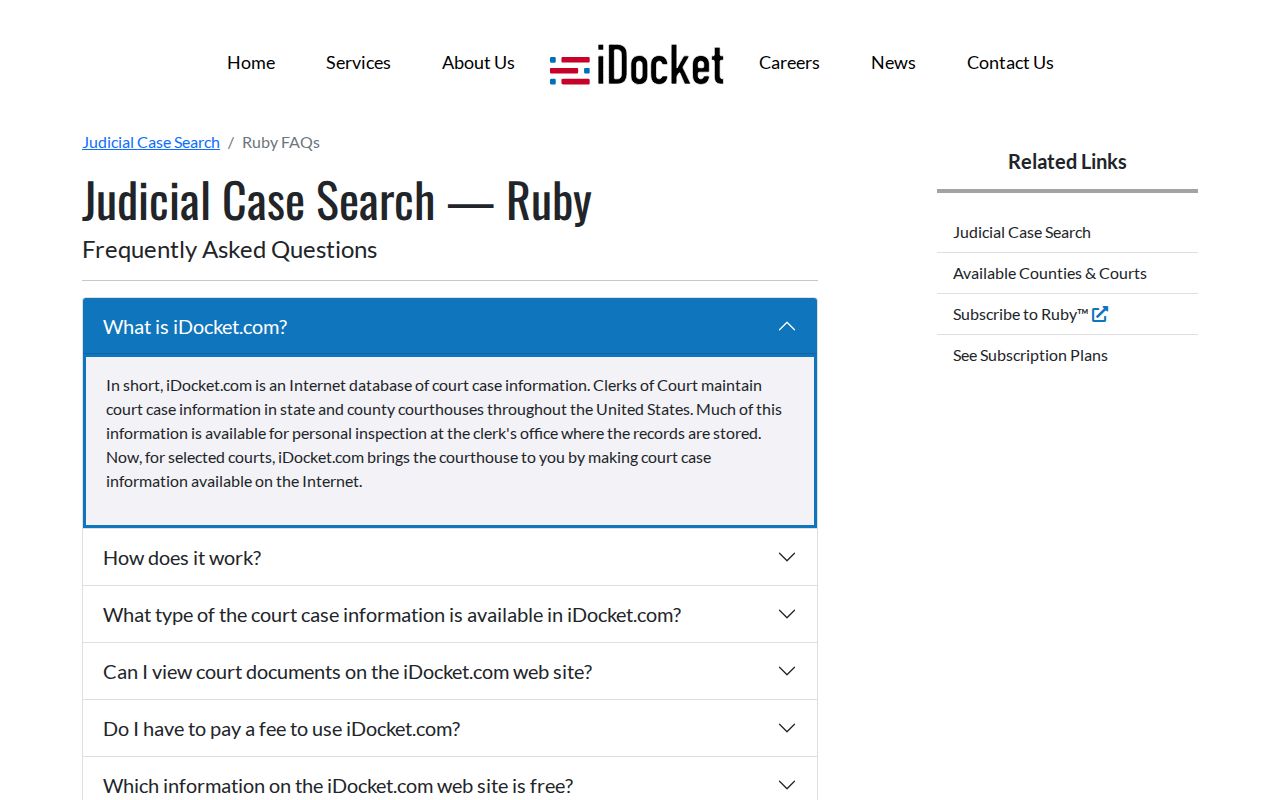
Pulling a document image may take a subscription plus CHIPS, the vendor's image-credit system. Per the subscriber page, a document of up to four pages generally costs two chips. Then commonly one chip per additional four pages. Check there for current package and subscription prices. If an image will not load, access may simply be limited rather than the filing missing. The clerk can supply an official copy.
Case Number Searches
A cause number is the identifier the court itself assigns. Type it exactly as issued, letters, punctuation, and leading digits included, before trying name variations. Brewster County courts do not share one universal number format. Do not force a district cause, a county case, a JP citation, and a municipal ticket into one invented pattern. A workable example is just CAUSE-NUMBER-AS-ISSUED. If the number fails, confirm the court listed on your notice.
iDocket's calendar accepts conditional case-number searches. The range is three to fifty characters. JP and Alpine nCourt systems take citation or case/cause numbers, and they may tell you to drop a leading zero. Those are payment tools, separate from general district and county case history. The clerk charges a fee for that search. The fee schedule effective September 1, 2025 lists $5 per name or cause number.
Choose the Brewster County Court First
Every Brewster County case search starts with court level. The 394th Judicial District Court, with its District Clerk, holds the district civil, family, and felony records. The Constitutional County Court and the County Clerk take county-level criminal, probate, and assigned civil matters. JP1, JP2, and JP3 each keep their own dockets for traffic, small claims, evictions, and limited civil or criminal cases. Alpine Municipal Court runs a separate docket for Class C offenses and city ordinance violations. Match the case type to the right court and you have the right docket search.
394th: The multi-county district court serving Brewster and four neighboring counties.
AVD / AVC: iDocket vendor codes for Brewster District and Brewster County, not legal court abbreviations.
Cause number: The identifier assigned by the court to locate a case.
Case style: The caption naming the proceeding or parties.
For in-person or phone help, the District Clerk lists 203 N. 7th Street, Alpine, P.O. Box 1024, and 432-837-6200 ext. 203. The County Clerk lists 201 W. Avenue E, P.O. Drawer 119, and ext. 202. Official pages currently disagree on the County Clerk's displayed name, so call before addressing mail.
Case Search Results Explained
A result row is only an index, not always the full file. Match the court, the cause number, the case style, and the date before trusting anything. Then read status and disposition in context. "Open" can simply mean activity remains. "Disposed" signals a recorded outcome. The docket entry or judgment explains what actually occurred. Online images are not certified copies.
| Case Number | The court’s identifier for search and record requests. |
|---|---|
| Style / Parties | The caption used to identify the proceeding. |
| Case Type | Criminal, civil, family, probate, or another local category. |
| Filed Date | The date the case or document was recorded. |
| Disposition | The recorded outcome or closing event, if one exists. |
| Case History | Motions, orders, citations, answers, settings, costs, and payments when available. |
The full clerk-held documents behind that index are covered in Brewster County court case records. When an index label is not enough, request the specific order, judgment, or filing.
Brewster County re:SearchTX Modes
re:SearchTX is the electronic search layer of the Texas judiciary. Its official guide describes Cases, Filings, Text in Documents, and Hearings modes. A keyword field sits alongside. It carries Location, Case Category, Case Type, and conditional hearing-type filters. Saved searches and export can depend on your account and the result state. A 403 or login wall at the portal is common. The current Brewster dropdown may not match the guide. The re:SearchTX entry point remains the official statewide route.
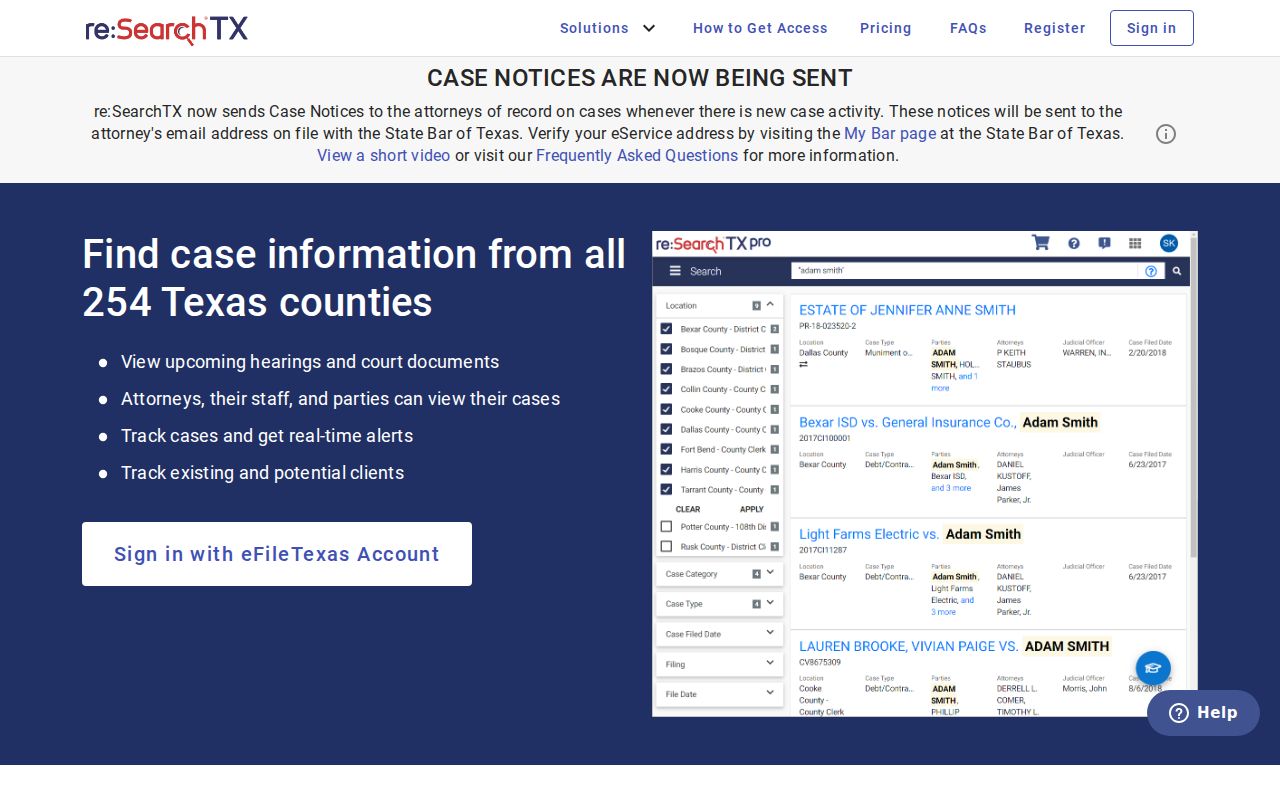
A 403 page, login wall, or empty result never proves a Brewster County record is absent. Confidential cases are withheld, criminal coverage is not complete, and some documents carry a statutory fee. When statewide access fails, fall back on the local clerk or iDocket.
Two Ways to Search: County and State
Local and statewide systems do different jobs. Texas Supreme Court Misc. Docket No. 24-9030 required counties under 60,000 people to integrate covered records with re:SearchTX by November 1, 2025, and Brewster County falls under that threshold. The mandate strengthens the statewide route without erasing the county-linked iDocket index or the separate lower-court systems.
| re:SearchTX | Brewster iDocket |
|---|---|
| Statewide participating-court layer | County-linked district and county index |
| Cases, filings, document text, hearings | Name lookup, case details, and history |
| Location and category filters | Local court and advanced subscriber filters |
| Restricted data and incomplete criminal coverage | Images may require subscription and CHIPS |
| Best for cross-county covered records | Best for a known Brewster court or cause |
Search both ways when a covered case crosses counties or a local result needs a statewide check. For an official copy or a decisive status, always return to the originating clerk.
Brewster County Clerk Search Paths
Both portals have limits. When a Brewster County docket search stalls there, go straight to the clerk. The District Clerk takes district inquiries by phone, by mail, and at its Alpine counter. County-court records sit with the County Clerk instead. Put the court, cause number, case style, the document you want, your preferred delivery format, and whether you need certification into any mailed request. Call first about the current form and payment method.
Brewster County Index Totals Need Context
Read iDocket's availability table with care. It shows cumulative totals for Brewster District and Brewster County on separate rows, each with its own coverage dates. Those numbers describe the vendor index only. They are not filings from one year, so do not set them against the Office of Court Administration's annual statistics.
Coverage is not caseload. A large index total may span many years, case types, and migration periods.
The table still tells you useful things. District and county rows stay distinct, and image availability reads "Yes" for both. The district row lists Sarah Martinez, while the county row says Sarah Vasquez. The current county webpage shows Sarah Lujan with an email tied to Vasquez, so confirm the County Clerk contact before you send a request.
Which Cases Stay Restricted
Access is not total. Sealed files, juvenile matters, confidential family information, and anything restricted by law or court order may be absent from a Brewster County court docket. Expunction can clear eligible records through a statutory process. Nondiscorder limits public disclosure in qualifying matters. An empty search screen proves neither one occurred. Texas Rule of Judicial Administration 12 covers judicial administrative records. Case files follow their own access rules. The Texas Public Information Act cannot replace a direct request to the proper clerk for a judicial case file. Someone entitled to restricted material must use the court's authorized procedure and may need a court order or proof of status.
Brewster County Searches That Return Nothing
A blank screen means little by itself. It can reflect a spelling mismatch, the wrong court, an access limit, a recent filing, or portal delay. Run an exact cause number first. Then try a name variant and a narrower court, and check both iDocket and re:SearchTX. If the case should exist, call the clerk. No failed query tells you a case was dismissed, sealed, expunged, or resolved in any way.
Brewster County Cases Outside iDocket
Justice and city citations live on separate portals. JP1, JP2, and JP3 each have an nCourt lookup tied to that precinct, and Alpine Municipal Court uses its own city nCourt path. Search those systems by citation or case number. They permit letters, suggest waiting about five days after issuance, and advise trying the number without a leading zero. They handle lookup and payment, not a full district or county file. The Alpine Municipal nCourt source shows that separate route.
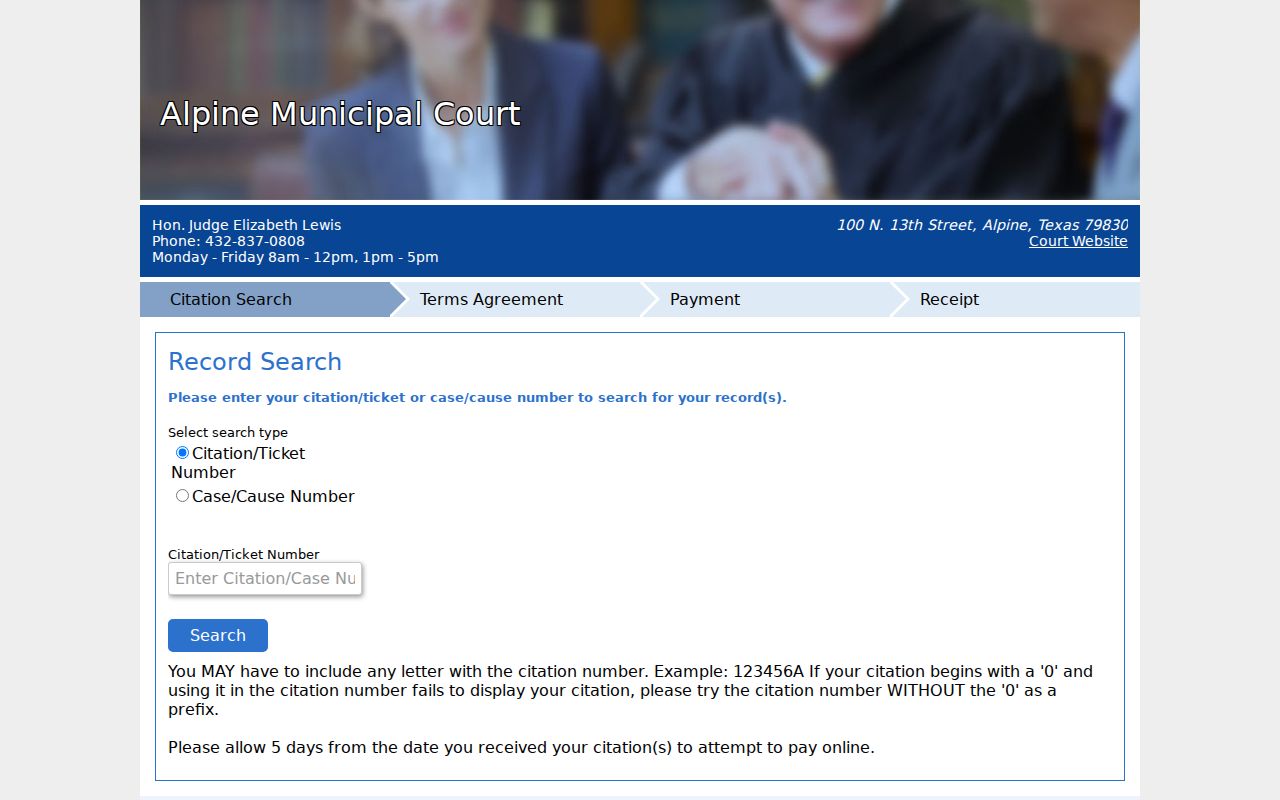
A ticket found there belongs to the municipal docket. It is not automatically a Brewster County case or a 394th District Court matter. Call the issuing court if a citation is missing. Federal cases are separate too: they route through the Western District of Texas, PACER, and the Pecos Division rather than any county docket search.
Brewster County Search Copies and Fees
Searching and getting copies are two services. The District Clerk's 2025 schedule sets electronic copies at ten cents per page. A one-dollar minimum applies through ten pages. Paper copies run one dollar per page. A certificate or seal costs five dollars per document. Confirm the current total with the clerk. Remember that an iDocket image is a vendor copy, never a clerk-certified record.